
Scheduling & dispatch
A schedule that survives contact with the day.
Plans change by nine in the morning. What matters is not the calendar you built last night — it's how quickly you can rebuild it and still know what every visit involves.
The difference
What changes when this is in one place.
Without it
A calendar app for times, a phone for the customer, and your head for what the job actually is.
Moving one visit means updating the calendar, texting the customer and remembering to tell whoever is doing the work.
Without durations on services, a full day and an overbooked day look identical until you are running late.
With ManePilot
Day for working it, week for planning it, month for seeing whether next month is real.
Customer, vehicle, service and notes are attached, so moving a visit moves everything with it.
A four-hour correction blocks four hours. Capacity stops being optimistic.
What it does
The specifics.
Switch between working the day and planning the month without changing tools.
Each service category carries a colour, so a day can be read at a glance rather than opened item by item.
Scheduled, in progress, completed — visible on the schedule, not buried in the job.
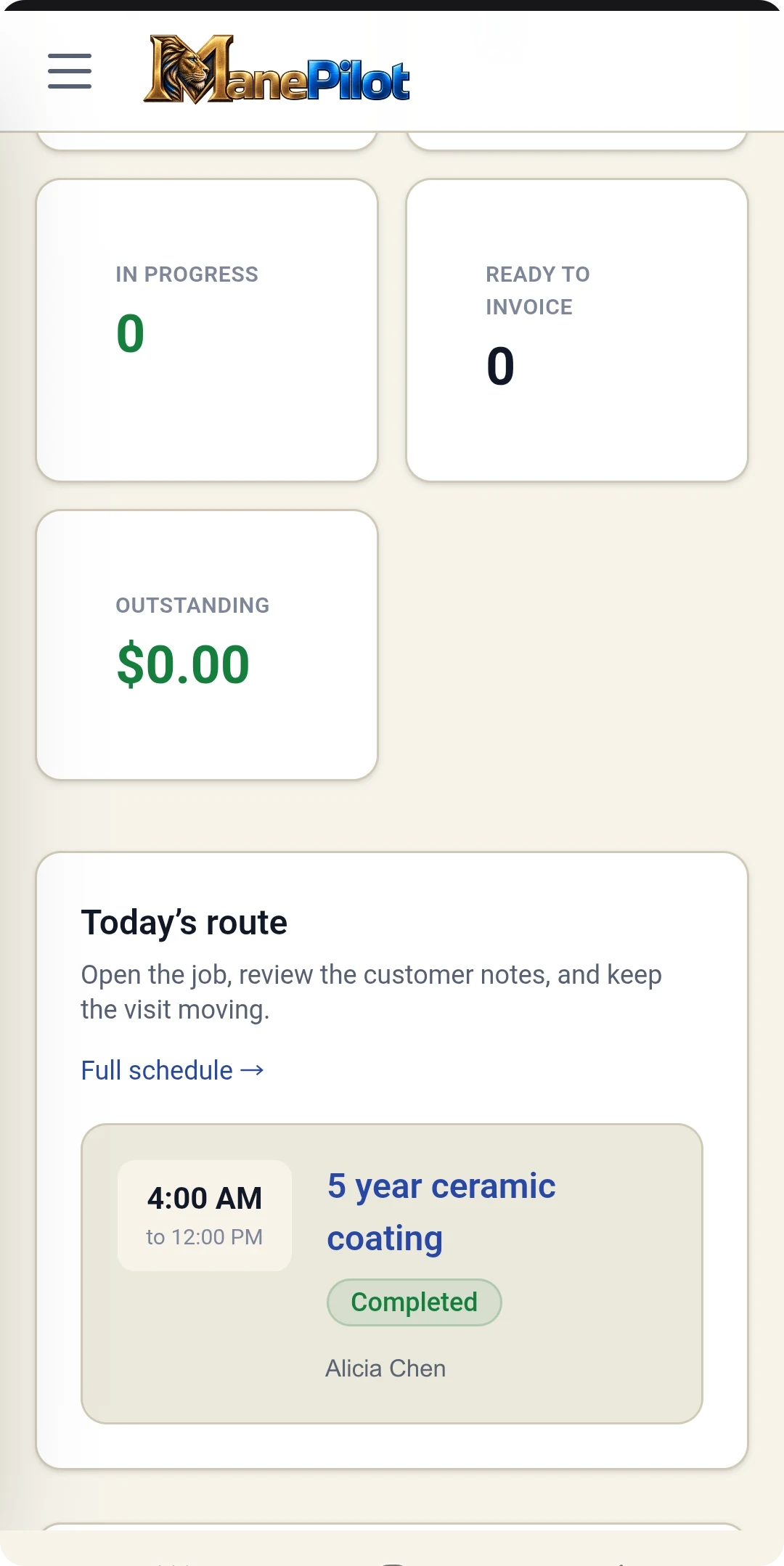
The schedule is checked in a driveway more often than at a desk, so it is designed for that first.
Works with
It is one workflow, not seven products.
Each part of ManePilot assumes the others exist. That is the point of it being one platform.
See it running on your own work.
See this working against your own services, your own pricing and your own week.