
Dispatch board
Assign the day by dragging it.
One lane per technician, one for everything unassigned, and a board that refuses to let you double-book somebody — naming the visit it clashes with rather than just saying no.
The difference
What changes when this is in one place.
Without it
Who is doing what gets decided in messages, and the calendar never quite catches up with the decision.
Two jobs on one tech at ten o'clock is discovered by the tech, at ten o'clock.
Whether today is full or half empty is a feeling rather than a number.
With ManePilot
Or pick a name from a dropdown. Either way the schedule, the job and the tech's own view all update together.
The board blocks the overlap and tells you exactly which visit it conflicts with, outlined in red.
Visits today, unassigned, conflicts, technicians working and who is busiest — above the board, not calculated in your head.
What it does
The specifics.
Plus an unassigned lane, each showing its own visit and conflict count.
Whichever is faster on the device you are holding.
Double-booking is refused outright, with the clashing visit named in the explanation.
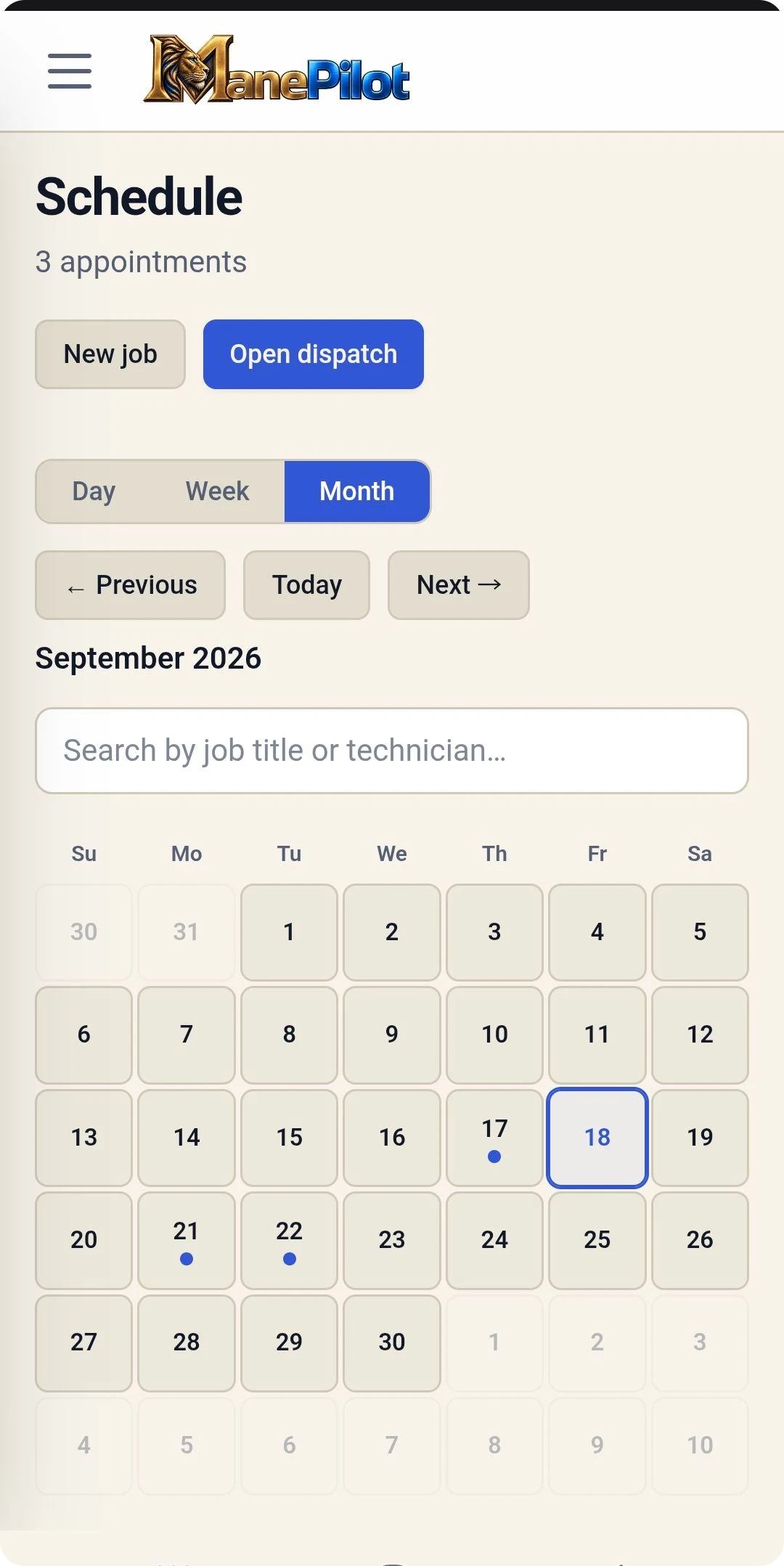
Filter by job, status or technician, and move through previous, today and next.
Works with
It is one workflow, not seven products.
Each part of ManePilot assumes the others exist. That is the point of it being one platform.
See it running on your own work.
See this working against your own services, your own pricing and your own week.